Shopify Conversion Fix — HL Growth

Traffic but no sales? Your store is leaking — not starving.

Visitors arrive, products get viewed, carts get filled — and then the order never comes. That is not automatically a traffic problem. When buyers reach the store and leave without buying, the store has a leak, and buying more traffic only pays to lose the same sale more often.

A Shopify conversion fix finds the leak first, in order, and fixes that leak before anything else is changed. Diagnosis before prescription — in your store's own analytics, not in guesses, and not in a generic list of tips.

Start with a free audit. Tell us your store URL and where shoppers drop off, and we will tell you, in writing, where the leak is and what fixing it would involve.

[IMAGE SLOT: Shopify cart and checkout — where shoppers drop off, in order]

Alt text: Labelled slot for a Shopify cart and checkout screenshot showing the steps where shoppers leave before completing an order

The leak is usually visible in the cart and checkout steps — this slot will show your store's own drop-off path, not a stock image.

Labelled slot for a later phase — no screenshot or image has been created or claimed here.

What a Shopify conversion fix actually is

A Shopify conversion fix is a diagnosis-led repair of the exact steps where shoppers leave your store without buying — measured first, fixed in order, and checked afterwards in orders, not in sessions.

In scope, a conversion fix covers:

  • Product pages: whether they answer what it is, why it is worth it, and why this store can be trusted — in seconds.
  • Cart and checkout: costs, account requirements, steps, payment options, and mobile behaviour.
  • Speed and apps: what the store carries, what each app costs in speed and fees, and what orphaned code is still loading.
  • Trust: reviews, policies, and proof placed where the buying decision happens.
  • Follow-up: what happens to a shopper who leaves, and whether that follow-up is chasing a leak or supporting a fix.

Condition and limit: a conversion fix cannot rescue the wrong traffic, a product nobody wants, or a price nobody will pay — and if the diagnosis shows one of those is the real problem, we will say so plainly instead of selling a store change for it. A fix is also not a rebuild: if the theme or structure itself is the problem, that is a different job, and the audit will name it as one.

Six leaks, checked in order

Every leak below is read through the same six-stage lens — Visibility → Capture → Conversion → Follow-Up → Management Visibility → Growth — so a fix is never judged on one step alone. A page can attract attention and still fail at conversion; a checkout can be fixed and still fail at follow-up. The lens keeps the order honest: diagnose where the chain breaks, then prescribe only for that break.

Product page leak

Lens: Visibility → Capture → Conversion

The visitor arrived and the page did not close the question. Weak descriptions that list features without benefits, unanswered sizing, delivery, or returns questions, flat photos that show a product without selling it, and proof hidden three clicks away all leave the buyer guessing — and guessing buyers do not buy.

Cart leak

Lens: Capture → Conversion

The shopper chose the product and then stalled. Costs that appear only late, a cart that hides the total, or a next step that feels like a commitment rather than a continuation all turn a decision into a doubt. The cart should confirm the choice, not reopen it.

Checkout leak

Lens: Conversion → Management Visibility

The largest single leak in most stores. Surprise costs at the final step, forced account creation before buying, a form that is too long, missing wallets or local payment options, and a mobile checkout that drags or breaks — each one is a moment where a willing buyer can leave without complaining. Only a real test on a real phone finds the last of these.

Speed leak

Lens: Visibility → Conversion → Growth

A slow store loses buyers before the copy ever gets a chance. Heavy apps, uncleaned code, and oversized images slow every page on every visit. Speed is not a technical footnote here; it is a conversion step, and it compounds — a faster store keeps more of every future visit too.

Trust leak

Lens: Capture → Conversion → Growth

First-time visitors arrive with no reason to trust the store yet. Missing reviews and real buyer photos, policies buried in a footer link, a generic About page, and a checkout that feels insecure all raise the same quiet question: is this store real? Trust is the background condition every other fix depends on.

Follow-up leak

Lens: Follow-Up → Management Visibility → Growth

The shopper left, and then nothing useful happened — or the wrong thing did. Recovery messages have a place, but they chase sales that already leaked. Follow-up only earns its keep after the leak is fixed, and only if you can see, in plain numbers, what it recovered and what it did not.

The order matters: fix the biggest leak first, measure it, then move to the next. Fixing the wrong leak first wastes the fix.

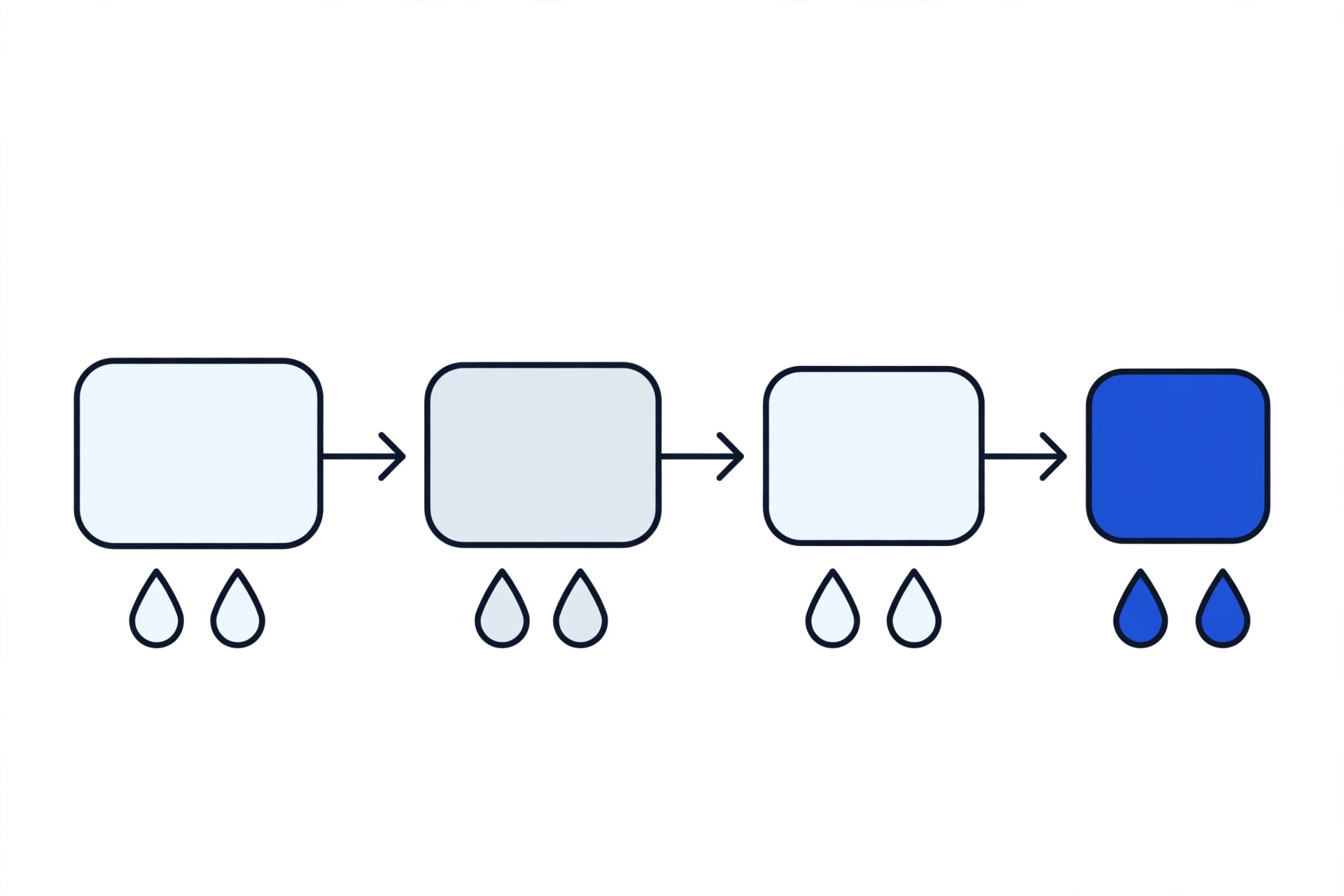
Shopper journey diagram: browse, product, cart, checkout, with drop-off points at each step.
Check in order: find where shoppers drop off — browse, product, cart, or checkout — before changing anything.
Generic product-page wireframe highlighting value, proof, and action zones.
A product page must communicate value in seconds, or the sale is gone. The zones that carry that value are value, proof, and action.

How the fix works: audit, fix, measure

  1. Step 1 — Audit

    We read your Shopify analytics and test the store as a shopper would, in order: traffic reality, product pages, cart, checkout, speed and apps, trust, and follow-up. No change is made at this stage.

    Named deliverable: the Drop-Off Map — a written map of where shoppers actually leave, in order, with the biggest leak named first.

  2. Step 2 — Fix

    Only the leaks the audit found are fixed, in the order the audit ranked them — named fixes, one at a time, so each change can be judged on its own.

    Named deliverable: the Fix List in Order — each fix named, with what it changes and what to measure after it, plus the App Verdict List (Keep, Replace, Remove) for every app on the store.

  3. Step 3 — Measure

    After each fix, the same numbers are read again. Sessions alone do not count as a result; orders and cart abandonment do.

    Named deliverable: the Before-and-After Measurement Sheet — the same metrics, before and after, for each fix, so you can see what actually moved and what did not.

If the audit says the theme or structure itself is the problem, we will say a build is the honest answer — see Shopify Development. If it says one leak is the problem, we will not sell you a rebuild to fix it.

Before and after: checkout and cart

[IMAGE SLOT: Before — checkout/cart as found during audit]

Alt text: Labelled placeholder for a before screenshot of a Shopify checkout or cart showing the friction found during the audit

Before: the checkout or cart exactly as the audit found it — costs, steps, and friction visible, before any fix.

Labelled slot for a later phase — no screenshot or image has been created or claimed here.

[IMAGE SLOT: After — checkout/cart after the fix]

Alt text: Labelled placeholder for an after screenshot of the same Shopify checkout or cart after the named fixes were applied

After: the same checkout or cart after the named fixes — the change is shown side by side, not described in the abstract.

Labelled slot for a later phase — no screenshot or image has been created or claimed here.

[FORMAT MODEL — placeholder: named client + one hard metric + live link + before/after, to be supplied by HL Growth] No screenshots, client names, or results are shown here until HL Growth supplies a real asset. Any future before/after pair will use this same labelled format: the same step, before and after, with the metric stated in plain text beside it.

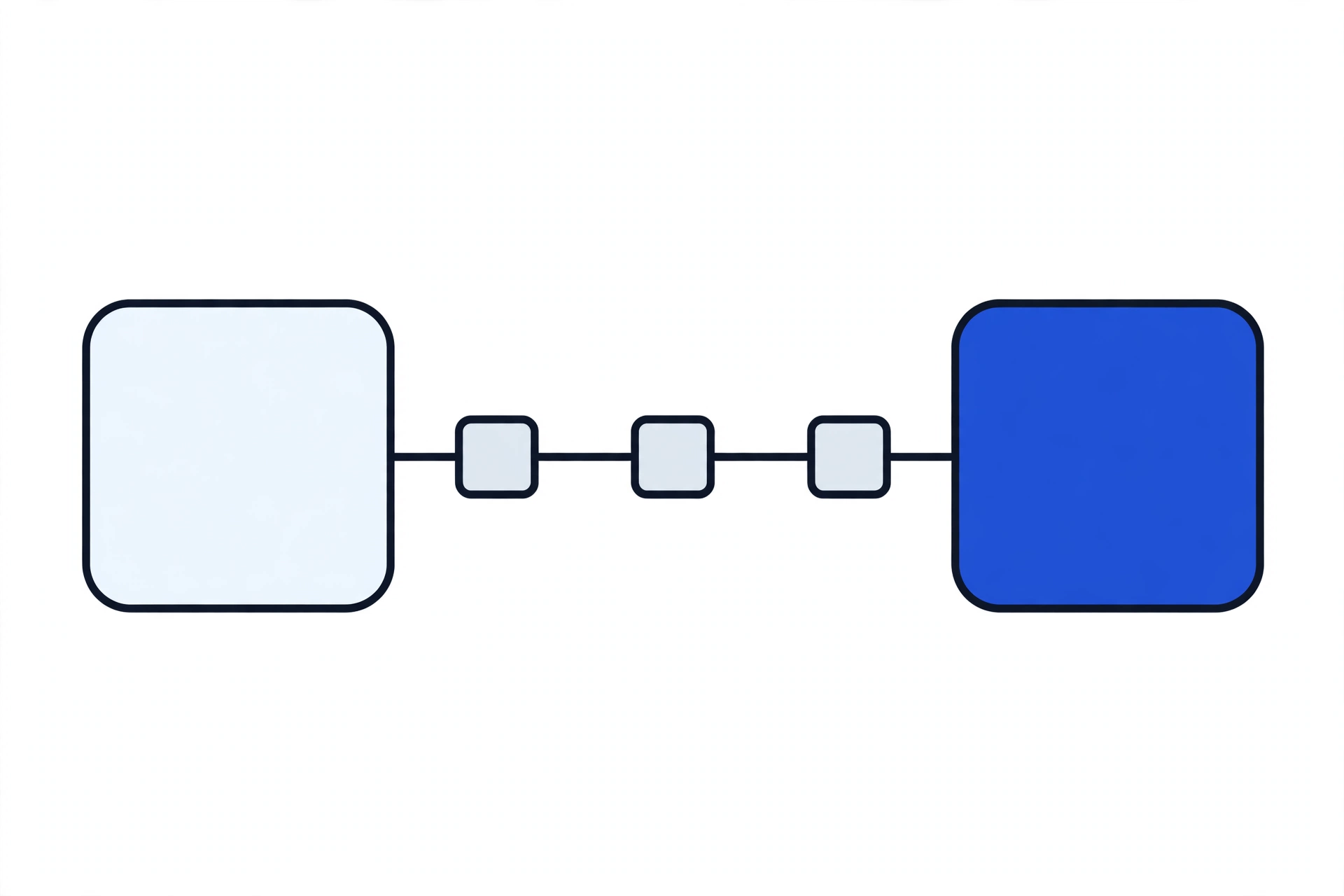
Checkout path diagram with friction points: steps, surprises, and trust.
Checkout friction is where carts are lost: extra steps, surprises, and missing trust — each checked separately.

Know your biggest drop-off point? Start there.

Send your store URL and the step where shoppers leave — product page, cart, or checkout — and the audit will start from that step.

App bloat: how HL Growth judges whether an app earns its place

When a store is slow, the first thing to look at is usually not the theme — it is the list of installed apps. Apps pile up: one for reviews, one for popups, one for upsells, one for a feature the theme already had. Each one adds scripts and a monthly fee, and uninstalling an app does not always clean up after it — orphaned scripts can keep loading long after the app is gone, slowing every page for no benefit at all.

The audit is vendor-neutral on purpose: HL Growth does not sell apps, so it has no incentive to add one. Every app is judged against HL Growth's own criteria, in plain terms:

  • Does it do a job nothing else already does? If a native Shopify feature or an app already on the store covers it, the new app is duplicating, not adding.
  • Is it actually used, and configured properly? An installed-but-unused app, or a used-but-misconfigured one, fails on its own terms before its cost is even counted.
  • What does it cost in speed? What scripts it loads, on which pages, and whether that weight is justified by what it delivers at checkout or on the product page.
  • What does it cost in money? Its monthly fee weighed against the orders or time it genuinely saves — not against a feature list.
  • Does it leave anything behind? Whether its code is fully removed when it goes, or whether orphaned scripts survive uninstallation and keep slowing the store.

Every app then gets one of three verdicts: Keep — it earns its fee and its performance cost; Replace — a native feature or a single better app does the same job for less money and less weight; or Remove — it duplicates something else, it is unused, or its code survived uninstallation. Removed means cleaned out, not just uninstalled.

The result is usually a faster store and a smaller monthly bill, before a single design change is made.

Three-column app audit diagram: keep, replace, remove.
The app-bloat audit sorts every app into keep, replace, or remove — no app is kept just because it was once installed.

Questions to ask any developer — including us

Ask these before anyone changes your store. A good answer is specific and in writing; a vague answer is itself an answer.

Ask thisA good answer sounds likeWalk away if
Where, exactly, do shoppers drop off in my store?A named step from your analytics, in order, with the biggest leak first.You get a generic tip list with no order and no reference to your numbers.
Will you change anything before diagnosing?No — diagnosis first, in writing, then fixes in the order the diagnosis ranked them.The proposal starts with a redesign or a new theme before any audit.
How will you judge each app on my store?Stated criteria — duplication, use, speed cost, money cost, and leftover code — with a Keep, Replace, or Remove verdict per app.The answer is another app to install, sold by the same person auditing you.
What will you measure after the fix?The same metrics before and after — orders and cart abandonment, not sessions alone.Success is described only in traffic, impressions, or design praise.
Do you guarantee more sales?No — sales also depend on your products, prices, traffic, and follow-up. The commitment is to the process and the measurement.A sales number is promised before anyone has seen your store.
What if the real problem is not the store?That is said plainly, with what would actually address it, instead of a store change being sold anyway.Every diagnosis conveniently points to the service being sold.

Pricing

The audit itself is free. For the fix that follows it, the demo placeholder is:

From PKR 99,999

This is a demo placeholder only — not a final price. The actual scope and price depend on what the audit finds: one leak is a different job from five, and the fix list in order is what the price is quoted against, in writing, after diagnosis.

Frequently asked questions

Why is my Shopify store not converting?

Usually one leak is doing most of the damage: the wrong visitors, product pages that do not answer the buyer's questions in seconds, a checkout that surprises people with costs or forces account creation, or apps that slowed the store down. Check them in that order, and check where visitors actually drop off in Shopify analytics before changing anything. That is exactly what the free audit does.

What is wrong with my checkout?

The usual causes are specific, not mysterious: costs revealed only at the final step, forced account creation, too many steps or too long a form, missing wallets or local payment options, and a mobile checkout that drags or breaks on a particular device. The audit names which of these your store actually has, in order, instead of guessing at all of them.

Is my store slow because of too many apps?

Very possibly. Apps are the most common hidden cause of a slow Shopify store, and uninstalling them often leaves their scripts behind. The app audit checks every installed app against stated criteria — duplication, use, speed cost, money cost, and leftover code — hunts for orphaned code from apps already removed, and gives each app a verdict: Keep, Replace, or Remove.

Should I offer discounts to fix conversions?

Discounts can move a hesitant buyer, but they cannot fix a broken step. If shoppers leave because costs surprise them at checkout, a discount offered earlier still meets the same surprise. Fix the step first, then use discounts deliberately — for a defined reason, a defined audience, and a defined end — and measure whether they bought customers you keep or margin you gave away.

Should I install a cart-recovery app for abandoned carts?

Recovery messages have a place, but they chase sales that already leaked. Fix the leak first — the costs, the accounts, the steps, and the payment options that made the shopper leave — and recovery becomes the smaller job it should be, not a substitute for a working checkout. Follow-up is then judged on what it actually recovered, in plain numbers.

Do I need a new theme to fix conversions?

Usually, no. Most conversion leaks live in product pages, checkout, apps, and trust — not in the theme. A new theme is sometimes the honest answer, but only after the audit says the theme or structure itself is the problem. Rebuilding before diagnosing reproduces the leak in a new theme.

Is my store slow, and does speed really affect sales?

Yes — a slow store loses buyers before the copy ever gets a chance, on every page and every visit. The audit separates the causes: app weight, orphaned code, and oversized images are different problems with different fixes, and the measurement sheet shows whether the fix actually made the store faster for shoppers, not just on a test score.

How does abandoned-cart follow-up work after a fix?

After the checkout leak is fixed, follow-up has a narrower, honest job: remind the shoppers who were interrupted, not the ones who were driven away. It should be timed, limited, and measured — what it recovered, against what left — so it never quietly becomes the store's whole conversion strategy.

Should I migrate to Shopify, or fix the store I already have?

Fix first if the diagnosis says one leak is the problem — migration is a rebuild, and rebuilding before diagnosing reproduces the leak on a new platform. Migrate if the audit shows the current platform or structure itself is what blocks the fix: missing checkout options, payment limits, or a structure that cannot support the store you need. The audit's rebuild-vs-repair answer is the decision point, and it is given in writing before either job is sold.

Will you guarantee more sales?

No — and be careful with anyone who does. Sales depend on your products, your prices, your traffic, and your follow-up as well as your store. What HL Growth commits to is the process: a written diagnosis in order, a written fix list, and measurement that shows what actually happened after the fix.

Find where shoppers drop off. Fix that first.

The audit is free, and it gives you a written answer — the Drop-Off Map, the Fix List in Order, and the App Verdict List. No new theme pitch, no app sales, no obligation.

What happens after you hit send

  1. You send your store URL and your biggest drop-off point — product page, cart, checkout, speed, trust, or follow-up — plus your name and a contact for the audit reply.
  2. HL Growth reviews your store and analytics against the leak order in this page.
  3. You receive the written audit: the Drop-Off Map, the Fix List in Order, and the App Verdict List.
  4. You decide what, if anything, to fix — with the price quoted against the fix list, in writing, after diagnosis.

WhatsApp conversations open only after this qualifier is submitted, so the first reply is about your store, not a sales script.

Prefer to talk first? Use the same qualifier on the contact page and HL Growth will reply about your store.