Shopify Development — HL Growth

A Shopify Store That Actually Sells.

Launching a store is easy. Selling from it is the work. A store that sells answers the buyer's questions on the product page, shows the full cost before checkout, lets people buy without creating an account, and loads fast enough that nobody leaves while waiting. That is what we build — a store set up to turn visits into orders, not just a store that looks finished.

Start with a free website audit. Tell us your store URL, your platform, and your monthly orders band, and the audit looks at your store before anyone talks to you about a build — so the first conversation is about your store, not a sales script.

[IMAGE SLOT: store screenshot — product page]

Alt text: A Shopify product page on a phone, showing the product photo, price, delivery information, and a clear buy button.

Image slot for a later phase — no image created in this phase.

A product page that answers the buyer's questions at a glance: what it is, what it costs, and how to buy it.

Shopify-first. Platform-fluent.

Shopify is our primary platform: it is where we build new stores, fix stores that are not selling, and move stores that have outgrown their current setup. Other platforms are supported as migrations — we move stores from them to Shopify, and we work with them when a migration, a rescue, or a comparison is the honest starting point. Shopify first does not mean Shopify only; it means we are clear about where our main work lives.

What Shopify development means here

Shopify development is building a complete selling system on Shopify — store setup, product pages, checkout, payments, apps, and measurement — so that a store can take orders reliably and its owner can run it without the developer.

That scope covers:

  • Store setup: settings, taxes, shipping zones, and payment gateways configured for how you actually sell.
  • Product system: categories that match how buyers browse, and product pages that answer value, trust, and delivery questions in seconds.
  • Checkout built to close: guest checkout, full costs shown before the final step, and no unnecessary steps between adding to cart and confirming an order.
  • Apps kept to what earns its fee, each documented with what it does and what it costs.
  • Measurement from launch: sales, traffic sources, and drop-off points visible from day one.
  • Migration where needed: products, customers, orders, and search visibility carried over, not restarted.

Condition and limit: a new store is not always the right answer. If a store already gets traffic and no orders, the problem is usually in the funnel, not the theme — and rebuilding before diagnosing it rebuilds the same leak in a new design. In that case the audit comes first, and it may recommend a fix instead of a rebuild.

Abstract illustration of a parcel delivered to a doorstep, paid for on delivery.
Cash-on-delivery markets: customers pay on arrival, so the store must be built for that checkout reality.

Where Stores Lose Revenue

Diagnosis before prescription. Before anything is built or rebuilt, the leak is found first — traced through six stages: Visibility, Capture, Conversion, Follow-Up, Management Visibility, and Growth. Most stores do not have six problems. They have one or two leaks that quietly drain the rest.

STAGE 1 — VISIBILITY

Nobody finds the store

The right buyers never arrive, because the store does not show up for the searches and pages they actually use — so there is nothing for the rest of the funnel to convert.

STAGE 2 — CAPTURE

Visitors leave without a trace

People browse and vanish: no enquiry, no cart, no contact captured, and no way to reach them again. Traffic that leaves no trace cannot be followed up.

STAGE 3 — CONVERSION

Carts fill, orders do not

Product pages leave questions unanswered, costs appear late, or checkout forces account creation — and buyers abandon the order at the last step, where the sale was closest.

STAGE 4 — FOLLOW-UP

No second chance after a lost order

Abandoned carts go unrecovered, past buyers are never invited back, and every order has to be won from scratch — because nothing in the store follows up after the first visit.

STAGES 5 + 6 — MANAGEMENT VISIBILITY + GROWTH

The owner cannot see, so the store cannot grow

Sales, drop-offs, and app costs are not visible in one place, so decisions are guesses — and a store that cannot be measured cannot be improved, scaled, or trusted with more traffic.

If your store already exists but does not sell, start with the diagnosis, not a rebuild: Shopify Conversion Fix

The record, stated plainly

173

qualified inbound leads — Lorenz Plumbing, Heating & Air. Case study

743

qualified inquiries — Genz-Ryan Plumbing & Heating. Case study

Disclosure: the two engagement numbers above are international-client work, presented as international-client proof. They are not local-market results, and they are not presented as such. HL's role in each was growth infrastructure: website architecture, search visibility, inquiry routing, and reporting, built as one integrated system. Full details — client, scope, and result period — are on the linked case-study pages, which are the source of these numbers. Result periods and engagement dates are deliberately not restated here from memory. What these numbers share is the standard behind them: cost per inquiry and cost per qualified opportunity, not vanity traffic.

What we will not show you: dashboards with no name attached, screenshots presented as proof without a source, or results without a period. If a number cannot carry its disclosure, it does not ship.

Selected work

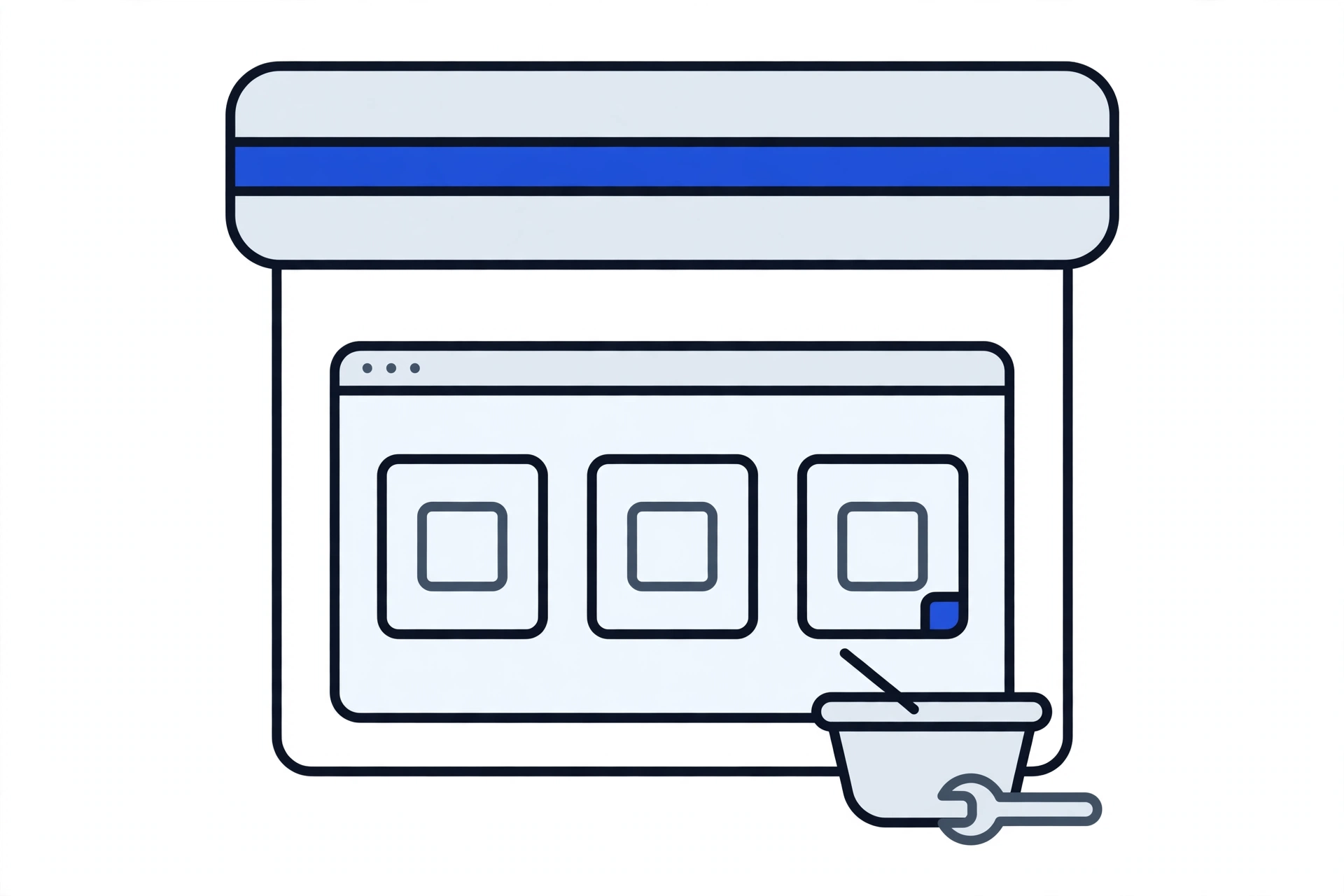
Flat illustration of a generic online storefront for home services, with a browser window of blank product cards and a shopping basket
Illustrative image — a generic ecommerce storefront illustration, not a client screenshot.

Lorenz Plumbing, Heating & Air

173 qualified inbound leads

Read the case study

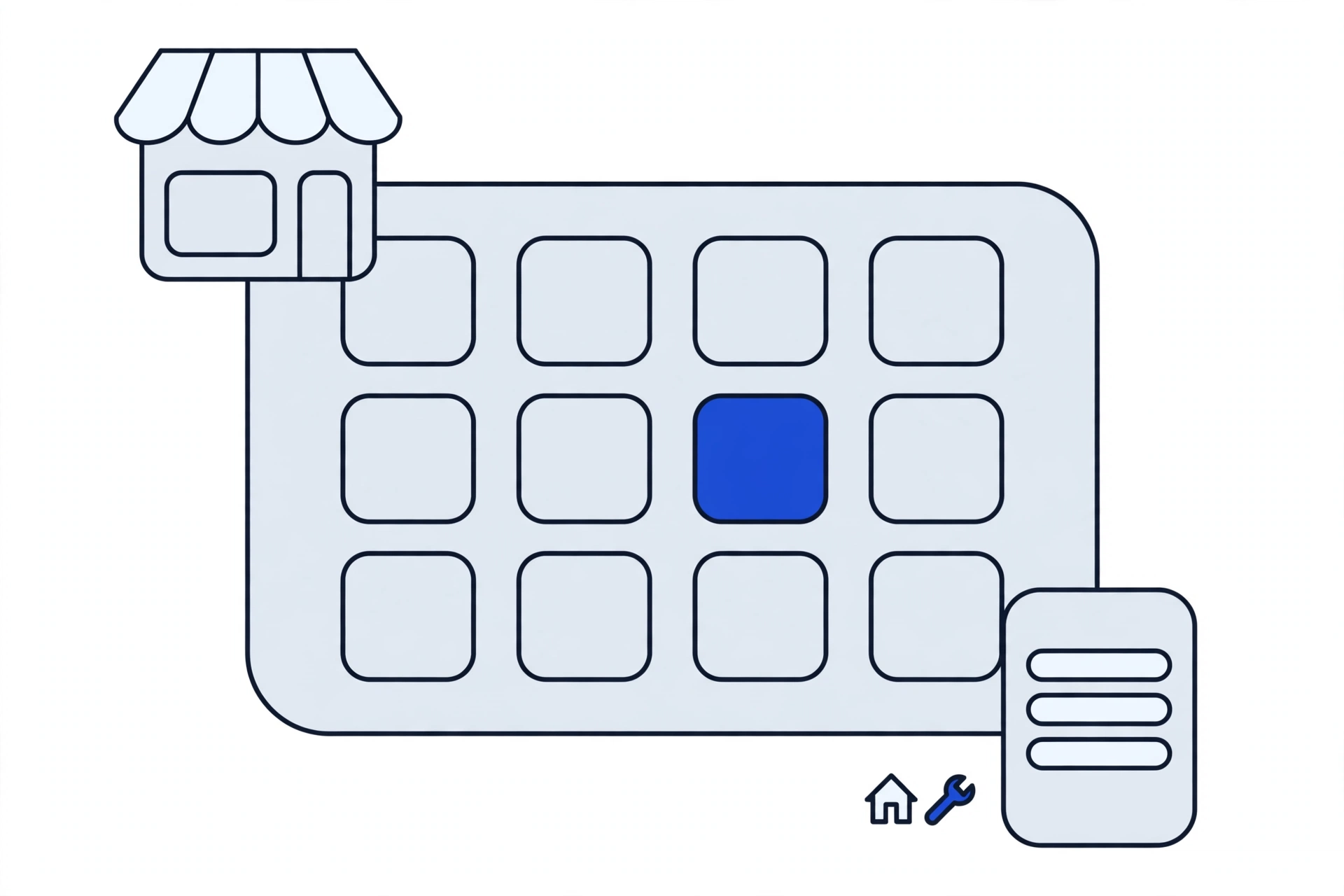
Flat illustration of a generic online-booking store, with a calendar, a shopfront, a house with tools, and a phone with a blank booking form
Illustrative image — a generic online-booking store illustration, not a client screenshot.

Genz-Ryan Plumbing & Heating

743 qualified inquiries

Read the case study

FORMAT MODEL — placeholder

[Headline to be supplied]

[Metric to be supplied]

[Link to be supplied]

Placeholder only — not an HL Growth client result. To be replaced with a real engagement supplied by HL Growth.

Disclosure: the two engagements above are international-client proof, not local-market results.

View all case studies

What we build

Themes — set up to sell

A theme chosen for your catalogue and buyers, configured around product pages and checkout — not picked for how it looks in a demo. Proof line: you receive the configured theme in your own store account, with its settings documented at handover.

Migration — the whole move

Products, customers, orders, and search visibility carried over with a redirect plan (see the migration wedge below). Proof line: the redirect map is delivered and tested on staging before the new store goes live.

Custom builds — only where a theme cannot do it

Custom work where a standard setup genuinely cannot cover the need — a checkout step, a product flow, a buyer-specific function — and nowhere else, so you are not paying for custom code a theme already includes.

[FORMAT MODEL — placeholder: named client + one hard metric + live link + before/after, to be supplied by HL Growth]

Integrations — payments, shipping, and tools

Payment gateways your customers actually use, shipping and courier setup, and the tools the store depends on — connected in your name and tested with a real order before launch. Proof line: orders are tested end to end on a real phone before the store is announced.

Speed — built in, not bolted on

Speed is treated as part of the build: apps kept to what is needed, images and theme weight kept in check, and checkout tested on a real phone — because a slow store loses buyers before the product page gets a chance.

[FORMAT MODEL — placeholder: named client + one hard metric + live link + before/after, to be supplied by HL Growth]

Apps — every app earns its fee

Only the apps the store needs, configured properly, with each app's job and monthly cost documented — so you are never paying for several apps doing one job, or for an app you forgot you had. Proof line: the app list, with cost and purpose per app, is part of the written total before work starts.

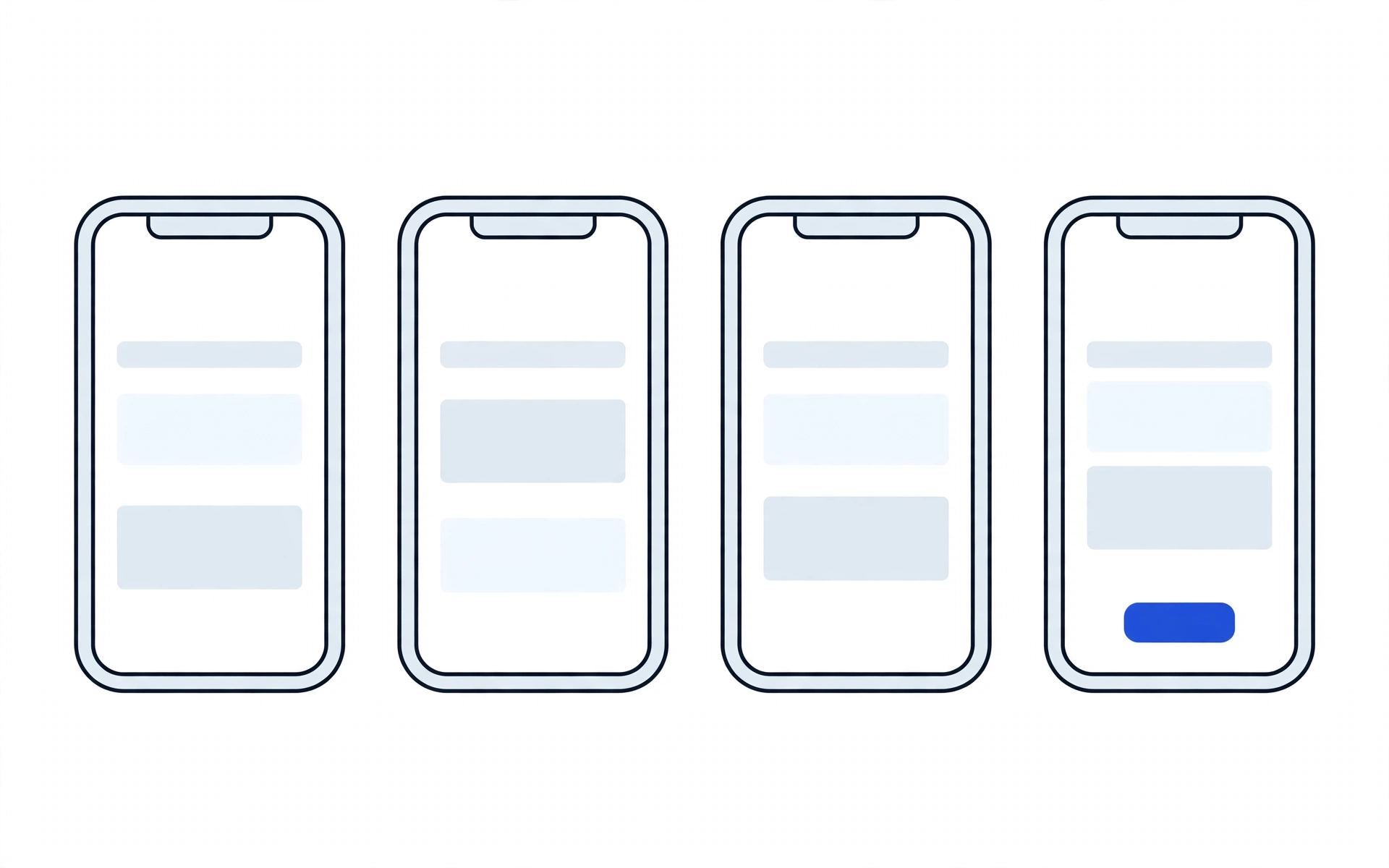
Generic unbranded wireframes of a store's home, product, cart, and checkout screens.
A store, end to end: home, product, cart, and checkout — shown as an illustrative layout, not a real store.

[IMAGE SLOT: store screenshot — cart]

Alt text: A Shopify cart on a phone, showing the items, quantities, delivery cost, and total before checkout.

Image slot for a later phase — no image created in this phase.

A cart that shows the full cost before checkout — no surprise charges at the final step.

How a build runs

  1. 1. Audit — find the leak or the gap

    Your store, or your plan for one, is reviewed against the six stages above. Deliverable: Store Audit Report — what the store does well, where it leaks, and what fixing it would involve.

  2. 2. Blueprint — agree the build before it starts

    Scope, theme or custom approach, apps, and the full cost picture are put in writing. Deliverable: Build Blueprint — written total, delivery date in writing, and milestones tied to payment.

  3. 3. Build — on staging, in your name

    The store is built on staging, in accounts registered to you. Deliverable: Staging Store Link — a working store you can click through and approve before anything goes live.

  4. 4. Launch check — verified live, not assumed

    Orders, payments, mobile checkout, forms, and links are tested end to end. Deliverable: Launch Checklist, signed off — every check confirmed live before the store is announced.

  5. 5. Handover — the store is yours

    Store ownership, domain, payment gateways, and app accounts in your name, with the code, theme, and configuration documented. Deliverable: Handover Document — plus a support term in writing (see FAQ; term length not stated here — §10 item, see TODO above).

We build stores as projects, not as hours: a written total before work starts, a delivery date in writing, and the whole store in your name. No hourly meter, and no developer holding the keys to your business. If a previous developer holds your store access, that is a different fix: Website Rescue

Migration as the wedge: move without losing the business

Moving platforms is where most stores lose the most: products that do not carry over, customers that vanish, orders that disappear, and search rankings that collapse when URLs change without a plan. Migration is therefore the wedge — the move is planned as carefully as the build, and nothing the business has already earned is thrown away in it.

SEO-preservation checklist — completed before launch

  • URL mapping: every old URL mapped to its new home before launch, so old links and search results keep working.
  • 301 redirects: permanent redirects set up from each old URL to its mapped new URL, and tested on staging — not added after launch as damage control.
  • Meta migration: titles and descriptions carried over on ranking pages, not rewritten from scratch or left blank.
  • Sitemap resubmission: the new sitemap submitted after launch, so search engines find the new URLs through the new map rather than through broken old ones.
  • Products, customers, and orders carried over: not just the catalogue, but the history that makes repeat business possible.
  • Payments and apps re-established in your name, with the subscription stack reviewed — so the migration is also the moment app bloat gets cleaned out, not carried over.

Zero-downtime method — what it means, and what it does not promise

The method: the new store is built on staging while the old store keeps selling; the redirect map is tested on staging; only after staging verification is the domain pointed to the new store; and the old store stays available until the new store is verified live. That is the method guarantee — we guarantee this method is followed, step by step, on every migration.

What is not guaranteed: that rankings, traffic, or sales will stay identical after a move. Rankings depend on search engines re-reading the new URLs, and no honest migration can promise an unchanged result. The guarantee covers the method above, under these terms: the checklist is completed and tested on staging before the switch, and the switch happens only after that staging verification. An outcome guarantee without those terms is not offered.

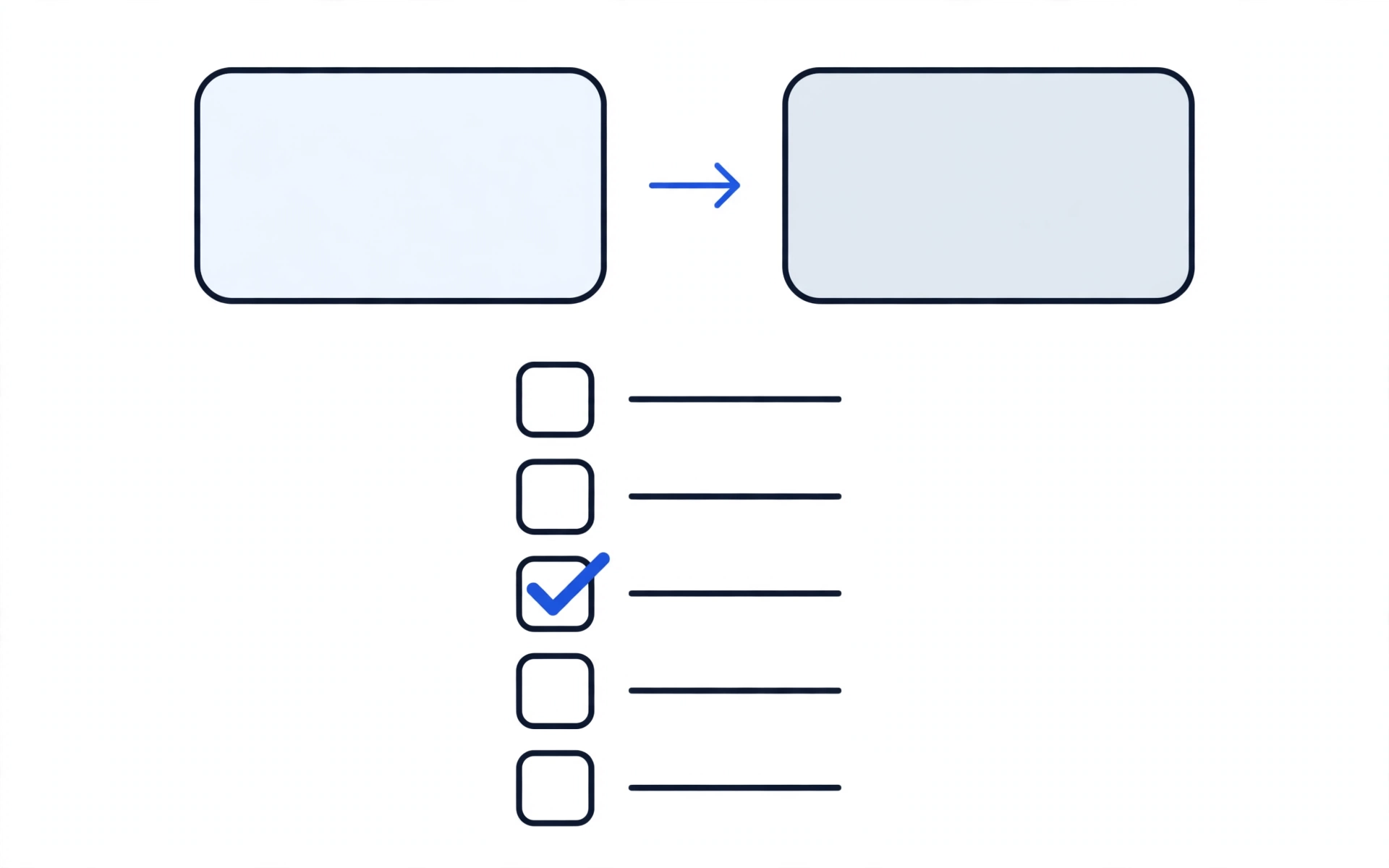
Migration checklist diagram: products, customers, orders, redirects, and content carried to the new platform.
Zero-loss migration means the business carries over: products, customers, orders, redirects, and content — checked, not assumed.

[IMAGE SLOT: store screenshot — checkout]

Alt text: A Shopify checkout on a phone, showing guest checkout, the order total with delivery included, and payment options.

Image slot for a later phase — no image created in this phase.

A checkout built to close: guest checkout, full costs shown early, and payment options buyers actually use.

Not sure whether to build, migrate, or fix?

That is exactly what the free website audit answers. Share your store URL, your platform, and your monthly orders band, and the audit tells you which of the three your store actually needs.

What a finished store looks like

A finished store is judged the same way the audit judges it: can buyers find it, can they buy without friction, and can the owner see what happened afterwards? The teaser below is a format model showing how a completed store will be presented once real HL assets are supplied — it is not a claim about any client.

[FORMAT MODEL — placeholder: named client + one hard metric + live link + before/after, to be supplied by HL Growth]

[Result-first headline to be supplied]

[Short paragraph to be supplied: what was broken, what was fixed, and what changed — in the client's own business terms.]

  • [Metric 1 to be supplied]
  • [Metric 2 to be supplied]
  • [Metric 3 to be supplied]

[IMAGE SLOT: device mockup — future case-study store]

Alt text: Placeholder device mockup slot for a future case-study store — no real store shown, no result claimed

Image slot for a later phase — no image created in this phase.

Device mockup slot: a real client store mockup will appear here only once HL Growth supplies it. No result is claimed by this slot.

What we will not show you: dashboards with no name attached, screenshots presented as proof without a source, or results without a period. If a number cannot carry its disclosure, it does not ship.

Questions to ask any developer — including us

Ask these before you sign anything, whoever you hire. A good answer is specific and in writing; a vague answer is the warning.

Question to askWhat a good answer sounds likeRed flag
Will I own my store, domain, and accounts?Yes, in your name, with code, theme, and configuration documented at handover.Accounts stay in the developer's name, or ownership is never put in writing.
What is the total cost, including renewals and apps?The whole picture in writing before work starts — build, platform, apps, and renewals — with no after-charges beyond the written total.Only a starting price is quoted, and running costs appear later.
What delivery date is in writing, and what happens at each milestone?A delivery date in writing, with payment tied to delivered stages.No date, or payment tied to hours logged rather than stages delivered.
How is migration handled so rankings and orders are not lost?A URL map, 301 redirects tested on staging, meta migration, and sitemap resubmission — completed before the switch.No redirect plan, or redirects promised only after launch.
Which apps will the store run, and what does each cost?A named list, each app with its job and monthly cost, and native features used where they replace a paid app.Apps installed without explanation, or several apps doing one job.
What support is included after launch?A support term in writing, agreed before work starts.Support mentioned but never written down, or an open-ended retainer with no finish line.
Do you guarantee sales?No — sales also depend on your products, prices, traffic, and follow-up. What is committed to is the process: written diagnosis, written total, written date, and measurement.A sales guarantee offered without conditions.

Total cost in writing

A store has a total cost, not just a starting price: the build, the platform plan, the apps, the transaction fees, and the renewals that follow. Most quotes hide the second half. We put the whole picture in writing before work starts, and there are no after-charges beyond the written total.

From PKR 99,999 [DEMO PRICE — PENDING RE-EVALUATION. This figure is a placeholder for draft purposes only. It is not a final price, not a quote, and not a monthly retainer. Final pricing, currency, and levels are to be settled in the pricing re-evaluation before any paid traffic runs to this page.]

What the written total always includes: the build itself, the platform and app setup in your name, and the renewal and fee picture stated up front — so the monthly cost of running the store never arrives as a surprise.

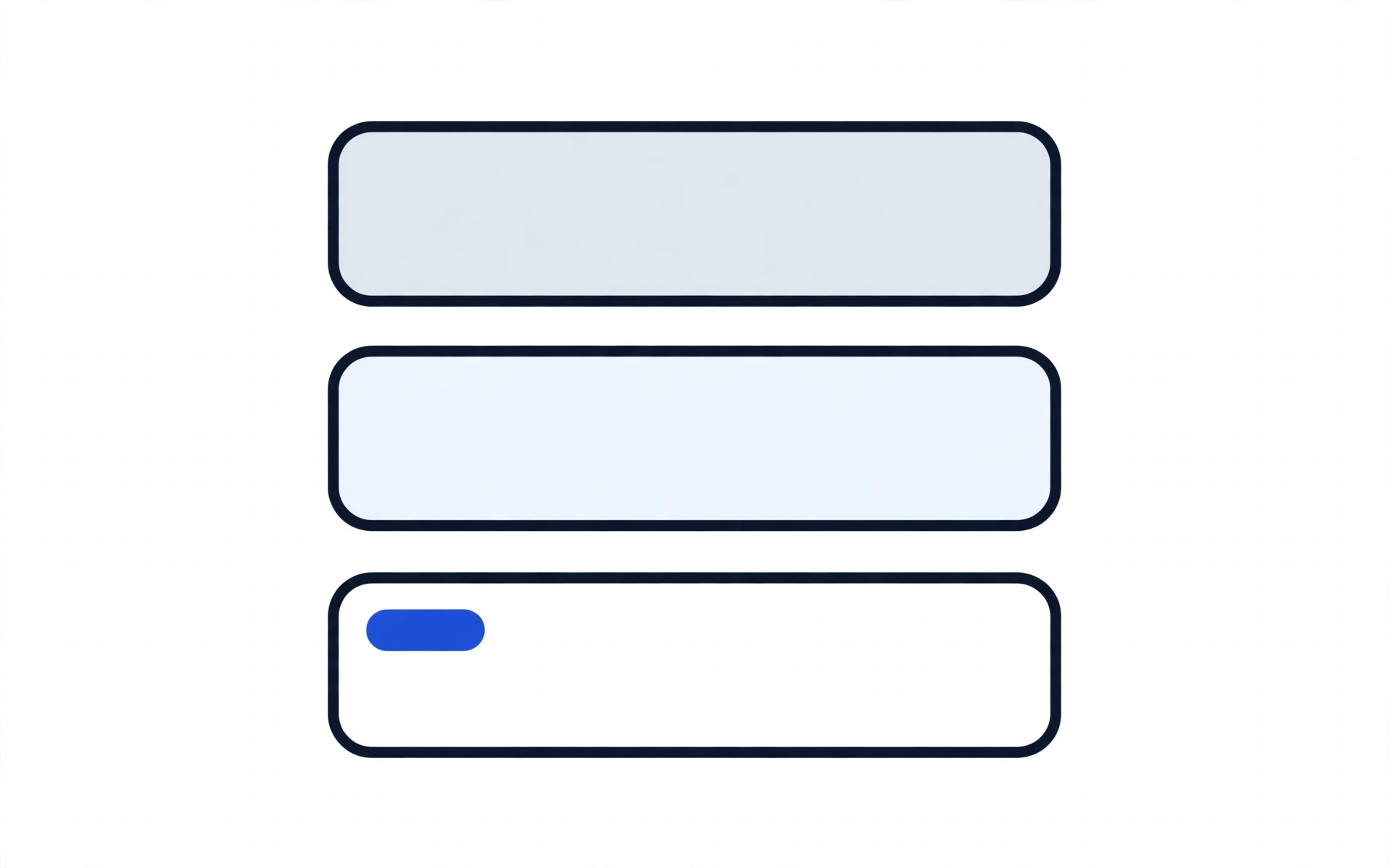
Stacked-layers diagram of a store's subscriptions: platform, apps, and tools.
The subscription stack, stated honestly: platform, apps, and tools are separate layers. Any figures are in page copy, not in this diagram.

Frequently asked questions

Should I choose Shopify Plus or standard Shopify?

Standard Shopify fits most stores: it covers setup, product pages, checkout, payments, and apps without enterprise features most small stores will never use. Plus fits high-volume stores that need its advanced checkout control, automation, and higher capacity. Honestly, Plus may not be the best fit for your store — if your order volume, catalogue size, and checkout needs do not require it, paying for it buys features, not sales. The audit recommends the tier your store actually needs, not the highest one.

Is migration safe? Will I lose my products, customers, or rankings?

Migration is safe when it follows the method in the migration wedge above: products, customers, and orders carried over, every old URL mapped and redirected with 301s tested on staging, titles and descriptions migrated on ranking pages, and the new sitemap resubmitted after launch. Rankings are preserved by that redirect map, not by hoping new URLs rank on their own — and no migration can promise rankings stay identical, because search engines must re-read the new URLs.

How long does a Shopify store take to build?

That depends on scope — catalogue size, migration, and integrations — which is why the delivery date goes in writing before work starts rather than as a guess on this page. The website audit comes first and is free; the build timeline is agreed in writing at the proposal stage, with milestones attached to it.

What is app bloat, and how do you avoid it?

App bloat is a store running more apps than it needs — several doing one job, or apps nobody remembers installing — each adding a monthly fee and slowing the store down. We avoid it by installing only what the store needs, using native Shopify features where they replace a paid app, and documenting every app's job and cost in the written total. Migration is also the moment the old stack gets cleaned out, not carried over.

Will my store be fast?

Speed is part of the build, not an add-on: apps kept to what is needed, theme and image weight kept in check, and checkout tested on a real phone before launch. A fast store keeps buyers on the product page; a slow one loses them before the product gets a chance. No specific speed score is promised here, because speed depends on the store's catalogue, apps, and content as well as the build.

What support do I get after launch?

A support term in writing, agreed before work starts — so the build ends with a launched store, a handover document, and a support term in writing, not with an open-ended retainer you never agreed to end.

Will I own my store, or does the developer keep control?

You own it — store ownership, domain, payment gateways, and app accounts in your name, with the code, theme, and configuration documented at handover. If a previous developer holds your access, that is a rescue case: Website Rescue

Shopify or another platform — which should I choose?

Shopify if you want hosting, security, and updates handled and can carry its monthly cost; another platform if you want lower running costs, full control, and no platform transaction fees. Decide on budget, who maintains the store, and which payment gateways you need — not on which platform is "better." The audit gives that recommendation for your store specifically.

What does a Shopify store cost to run each month?

The platform plan plus apps plus transaction fees — and the honest answer is that the stack is what varies. Before we build, we put the whole monthly picture in writing: platform plan, every app and what it does, and the transaction-fee position. Where a native feature replaces a paid app, we say so.

My store already exists but does not sell. Do I need a rebuild?

Not necessarily — and not before a diagnosis. A store that gets traffic and no orders usually has a funnel problem: wrong visitors, weak product pages, checkout friction, or app bloat. The conversion-fix audit finds the leak in order before anything is rebuilt: Shopify Conversion Fix

Will you guarantee sales?

No — and be careful with anyone who does. Sales depend on your products, your prices, your traffic, and your follow-up as well as your store. What we commit to is the process: a written diagnosis, a written total, a written date, a store in your name, and measurement that shows what actually happened.

A store that sells, not just a store that launches.

The free website audit costs nothing and gives you a written answer — what your store does well, where it leaks, and what fixing it would involve. No obligation to proceed.

What happens after you hit send

  1. You share the qualifier: store URL (or "no store yet"), platform, and monthly orders band, plus your name and contact for the audit reply.
  2. We review your store against the six stages — Visibility, Capture, Conversion, Follow-Up, Management Visibility, and Growth.
  3. You receive a written audit answer: what the store does well, where it leaks, and what fixing it would involve.
  4. You decide whether to proceed. WhatsApp conversations open after the qualifier is submitted, so the first reply is about your store, not a sales script.

Qualifier fields: store URL, platform (Shopify / WooCommerce / Other / None yet), monthly orders band, name, and contact (email or WhatsApp number) for the audit reply.