Shopify or WooCommerce — which platform actually fits your store?
There is no winner in this comparison, because the two platforms solve different problems. One buys you a managed store you do not have to maintain. The other buys you full control over a store you — or someone you pay — do have to maintain. The right choice depends on your budget shape, your team, what you sell, and how you plan to grow.
This page gives you both definitions, a side-by-side comparison, an honest fit check for each platform, and the migration checklist that protects your rankings if you ever switch. Read it before you commit — the cost of choosing wrong is not the setup, it is the migration later.
The free audit on this page is a platform-fit review: tell us your current platform, your store size, and your growth plan, and we will recommend a fit with reasons — including when the answer is neither platform yet.
[IMAGE SLOT: Platform dashboard screenshot — labelled format-model slot]
Format-model slot — dashboard screenshot to be supplied by HL Growth.
What each platform actually is
Shopify
Shopify is a hosted ecommerce platform: hosting, security, and software updates are handled by the platform, and you run your store through its admin and app ecosystem.
- Storefront, checkout, and admin in one managed system
- Hosting, security patching, and updates handled by the platform
- Extra features added through apps from its app marketplace
- Payment and selling rules set by the platform and its payment partners
Condition: that convenience comes with a recurring cost shape — a subscription plus app subscriptions — and with less control over checkout, code, and data than a self-hosted store.
Source: hlgrowth.co
WooCommerce
WooCommerce is open-source store software that runs on WordPress: you own the code, the data, and the hosting account, and you (or someone you pay) maintain the store.
- Store software added to a WordPress site
- Hosting, updates, backups, and security are the owner's responsibility
- Extra features added through extensions, often on annual licences
- Full control over code, checkout, data, and payment gateway choice
Condition: there is no platform subscription, but there is no platform maintainer either — skipped maintenance becomes a rescue later, which costs more than either platform's running cost.
Source: hlgrowth.co
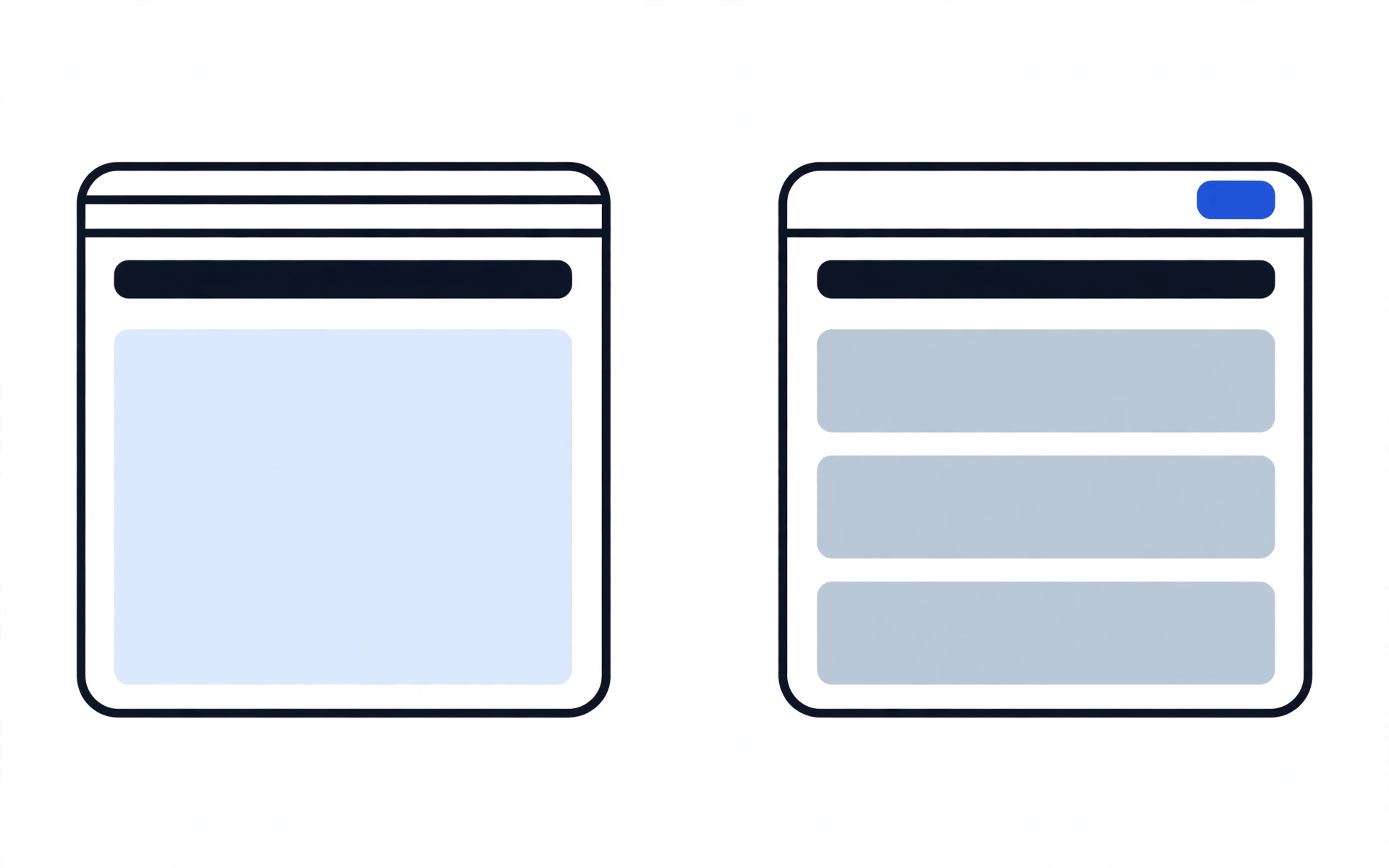
Who each platform fits — and who it does not
Shopify fits you if…
Shopify fits a store owner who wants to launch and sell without maintaining software: no technical team, no time for updates and breakage, and a monthly cost shape that is comfortable through slow months. You trade some control for the fact that hosting, security, and updates are someone else's job, and that trade is worth it when maintenance time is the scarcest thing you have.
Shopify may not be the best fit if you need a fully custom checkout, sell in a category restricted by the platform or its payment partners, run a content-heavy brand that lives on publishing, or need full code and data ownership as a matter of policy. None of that makes Shopify bad — it makes it wrong for those situations.
WooCommerce fits you if…
WooCommerce fits a store owner who wants lower recurring platform cost, full control over the store and its data, and no platform rules about what can be sold or how checkout works — and who has a maintainer, whether that is you, a team member, or a care plan. It also fits content-led brands, because WordPress is a publishing platform first and a store second, so a blog, guides, and ranking content sit naturally on the same site.
WooCommerce may not be the best fit if nobody will maintain the store. Unmaintained WordPress stores break: updates conflict, plugins go stale, and security gaps open. If there is no maintainer and no budget for one, the honest fit is the managed platform, even at a higher recurring cost.
Our recommendation, when we give one, follows this fit logic — budget shape, maintainer, control needs, and growth plan — never a preference for one platform company over the other. If the fit points to neither platform yet, we say so: a platform decision made before you know what you sell, to whom, and how they pay is a guess, and guesses get migrated later.
Shopify vs WooCommerce, side by side
This table informs a fit decision. It does not declare a winner — the winner depends on the fit section above. Cost rows describe cost shape only; your store's actual figures depend on its plan, apps or extensions, and traffic.
| Factor | Shopify | WooCommerce |
|---|---|---|
| Cost structure | Recurring subscription plus app subscriptions; platform transaction fees may apply depending on payment setup. Cost is monthly and predictable. | No platform subscription; hosting plus extension licences plus maintenance time or spend. Cost is lumpier — lower in subscriptions, recurring in upkeep. |
| Ease of use | Easier to launch: setup, hosting, and updates are handled, and the admin is built for non-technical owners. | More setup and ongoing work: hosting, updates, backups, and plugin compatibility are the owner's job. |
| Customisation | Customisation within the platform's guardrails; fully custom checkout requires the highest tier. | Full customisation: code, checkout, and data are yours to change, with no platform ceiling. |
| Apps / extensions | A large app marketplace; each feature the platform lacks natively is usually another monthly app subscription, and unused apps can slow the store. | A large extension ecosystem; licences are often annual rather than monthly, but compatibility testing after updates is on you. |
| Migration effort | Leaving means moving products, customers, orders, and URLs off a managed system, with a redirect map or rankings are lost. | Leaving means moving the same cargo off your own hosting, with the same redirect map — plus a maintenance plan for the destination. |
| Ownership | You own your products, content, and customer relationships; store data lives on the platform's servers. | You own the code, the data, and the hosting account outright, including the freedom to leave at any time. |
[FORMAT MODEL — placeholder: named client + one hard metric + live link + before/after, to be supplied by HL Growth]
Switching platforms? Move the rankings with the store
Migration works in either direction, and each direction has an honest driver. WooCommerce to Shopify is usually driven by maintenance burden: an owner tired of updates, conflicts, and breakage trades control for relief. Shopify to WooCommerce is usually driven by the subscription stack or a need for control the platform will not give — and it only works if someone will maintain the result. A move to WooCommerce without a maintenance plan is a rescue waiting to happen.
Either direction, one rule: products and customers are the visible cargo, but URLs and content are the invisible cargo, and losing them costs more than the migration itself.
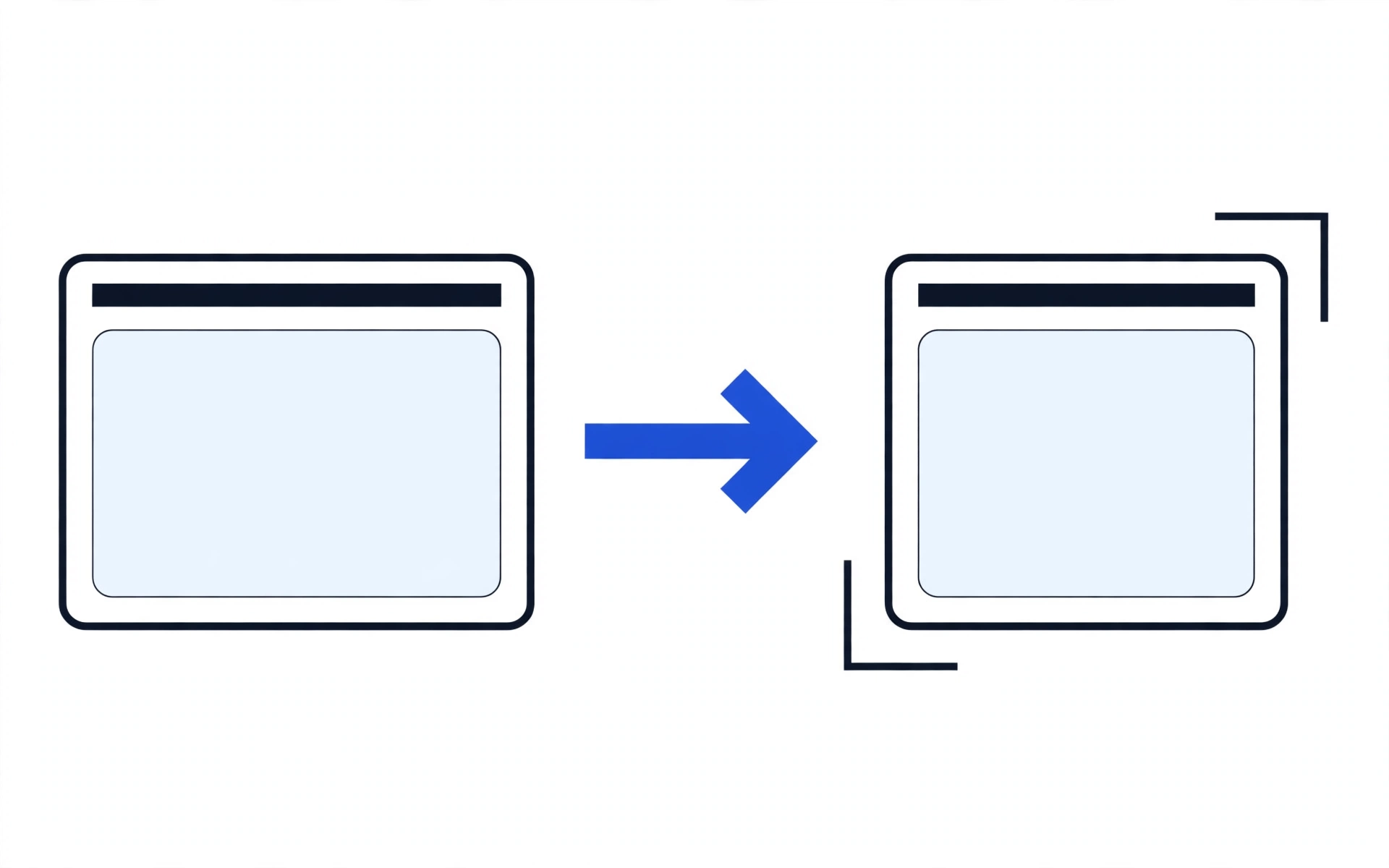
SEO-preservation checklist
- URL mapping: every old product, collection or category, and content URL mapped to its new URL before launch — no URL left unmapped.
- 301 redirects: permanent 301 redirects implemented for every mapped URL, tested before the switch, not after.
- Meta migration: titles, descriptions, and structured content carried across, not rewritten from scratch by default.
- Sitemap resubmission: the new sitemap submitted to search engines after launch, and the old URLs checked for redirect errors.
- Zero-downtime method: the new store is built on staging while the old store keeps selling; data is synced, redirects are tested, and the switch is a DNS and domain cutover only after those checks pass, with a rollback plan if the cutover fails. "Zero-downtime" here describes this method — build apart, test first, switch last — and is the only guarantee made about it: the method is followed, not an outcome promised regardless of traffic, hosting, or third-party services.
Related reading: Website Rescue and Shopify Development.
Questions to ask any developer — including us
Ask these before you hire anyone for a platform build or migration. A developer who cannot answer them clearly is selling you a platform, not a fit.
| Ask this | A good answer sounds like |
|---|---|
| Why this platform for my store, specifically? | Reasons tied to your budget shape, maintainer, products, and growth plan — not "it is the best platform." |
| What is the total running cost shape, not just the build price? | Subscription, apps or extensions, hosting, and maintenance, stated separately, for year one and beyond. |
| Who maintains the store after launch, and what does that cover? | A named maintainer and a named scope: updates, backups, testing, and fixes — not "we will look after it." |
| How will my rankings survive a migration? | A URL map, 301 redirects, meta migration, and sitemap resubmission, delivered as pre-launch work. |
| What happens to my data if I leave this platform later? | A straight answer about what you own, what lives on the platform's servers, and what a move would take. |
| Which apps or extensions will I actually need, and which can wait? | A short launch list with reasons, and a later list — not a stack sold on day one. |
| Can you show me a store like mine that you built, with a live link? | A live link and a named result — or an honest statement that no matching example exists yet. |
| When would you tell me NOT to pick the platform you are selling? | Real conditions — restricted categories, custom-checkout needs, no maintainer — not a dodge. |
Frequently asked questions
How much does switching platforms cost?
Switching cost is not one fee: it is the build on the new platform, the data and content move, the redirect map, and testing — plus the running-cost shape of the destination. A store moving to escape a subscription stack should check the new platform's maintenance cost first, or the saving disappears. The demo placeholder for a build is From PKR 99,999; a final price depends on scope and is agreed after the audit, never before it.
What data migrates when I switch?
Products, customers, and orders are the core cargo, plus content pages, URLs, and meta data. What migrates cleanly depends on the source platform's export and the destination's import — confirm the list in writing before work starts, and check a sample of migrated records before launch, not after.
Will I lose my SEO rankings if I migrate?
Not if the migration is done properly — and almost certainly, in part, if it is not. Rankings survive when every old URL has a 301 redirect to its new equivalent, meta data is carried across, and the new sitemap is resubmitted. A migration without a redirect map is the single most common way rankings are lost.
What happens to my apps when I switch platforms?
Apps do not transfer. Each app's job — reviews, bundles, subscriptions, shipping rules, loyalty — must be matched to an equivalent on the new platform, rebuilt natively, or dropped as unnecessary. List every app and its job before migrating; the apps you forgot are the features that break at launch.
When does WooCommerce win?
WooCommerce wins when control matters more than convenience: lower recurring platform cost, full code and data ownership, a content-led brand, custom checkout logic, or a category that hosted platforms restrict — provided someone maintains the store.
When does Shopify win?
Shopify wins when maintenance matters more than control: no technical team, a launch deadline, a monthly cost shape that is comfortable, and standard checkout and selling rules that fit the business. The monthly cost buys the maintenance the owner does not have time for.
What does HL Growth recommend, and why?
We recommend by fit logic, not by platform preference: budget shape, who maintains the store, how much control the business needs, and the growth plan. Tell us your current platform, store size, and growth plan in the audit, and the recommendation comes with reasons — including when the honest answer is neither platform yet.
Can I start on one platform and switch later?
Yes, in either direction, but treat switching as real work, not a button: products, customers, orders, URLs, and rankings all have to be carried across. Starting on the platform that fits now, and switching only when the fit genuinely changes, is cheaper than starting on the wrong one.
Do I own my store on Shopify?
You own your products, your content, and your customer relationships. Your store data lives on Shopify's servers, and leaving requires a migration. On WooCommerce, you own the code, the data, and the hosting account outright. If exit freedom is a requirement rather than a preference, that distinction decides it.
I already have a store that is not selling. Is the platform the problem?
Usually not. A store that gets traffic but no orders has a conversion problem — product pages, checkout friction, trust, app bloat, or wrong traffic — not a platform problem. Migrating a non-converting store moves the problem; it does not fix it. The audit looks at that before recommending any platform change.
Decide with reasons, not with a sales pitch.
Get a free platform-fit review: tell us your current platform, your store size, and your growth plan, and we will recommend the platform with reasons — including when the answer is neither yet. Demo placeholder: From PKR 99,999. Final scope and price are agreed after the audit.
What happens after you hit send
- You send the qualifier: current platform, store size, and growth plan, plus your name and contact.
- We review your current store and your answers against the fit logic on this page.
- You receive a platform recommendation with reasons — Shopify, WooCommerce, or neither yet.
- If you want to proceed, we agree scope and price in writing before any build or migration work starts.
WhatsApp conversations open from the qualifier above. The first reply is about your platform decision, not a sales script.