A WordPress site that stays fast, safe, and selling — long after launch day.
Launch day is the easy part. What decides whether a website keeps earning is what happens in the months after it: updates that land without breaking anything, backups that actually restore, security that is watched rather than assumed, and speed that does not quietly drift away. Maintenance is that ongoing care — so the site your customers find tomorrow works as well as the site they found on day one.
Start with a free site health check: we look at your update history, your backup position, and your known risks, and tell you in writing what maintained would actually mean for your site.
To start the check, share your site URL and your platform or version, if you know it. Already broken? Start with a rescue first — Website Rescue.
Pull date: [TODO — to be supplied] · Report screenshot to be supplied by HL Growth.
What WordPress maintenance is
WordPress maintenance is the routine, tested care that keeps a live WordPress site working, secure, and fast between launches — updates checked before they go live, backups kept somewhere you control, security and uptime watched, and every change reported in plain language.
What that covers, in scope
- WordPress core, theme, and plugin updates — tested on a staging copy before they touch the live site.
- Backups stored off the live server and tested so they can actually be restored.
- Security scanning and uptime monitoring, with findings fixed and reported.
- A monthly report, in plain language, saying what changed and what still needs a decision.
Condition and limit: maintenance keeps a working site working. It does not rescue a site that is already down, and it does not rebuild or redesign a site that needs rebuilding. If the site is broken now, the rescue comes first, and maintenance is what stops it breaking the same way again.
What breaks without maintenance
Diagnosis before prescription. Most WordPress failures are not dramatic attacks or rare bugs — they are ordinary neglect, and each kind of neglect breaks a different stage of the journey from visitor to customer. The six stages: Visibility → Capture → Conversion → Follow-Up → Management Visibility → Growth.
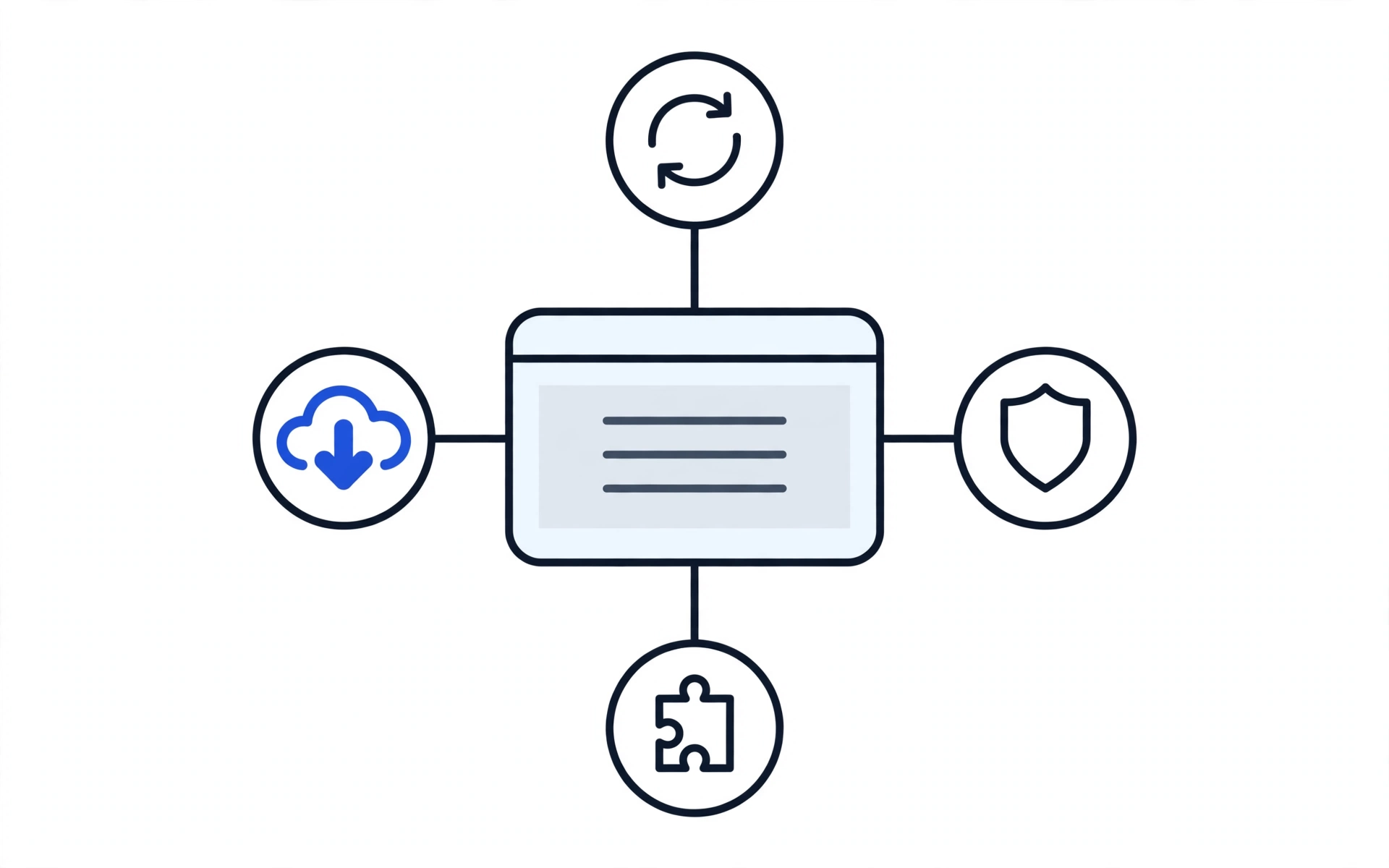
Untested updates
Hits first: Conversion → Follow-Up
An update applied straight to the live site can break the exact things that turn visitors into enquiries: the contact form that submits to nowhere, the checkout button that stops responding, the page that goes white. The visitor was ready to act, and the follow-up never happens — because there was nothing to follow up.
Unpatched security holes
Hits first: Visibility → Capture
A site left unpatched for months carries known vulnerabilities with known fixes. Once compromised or flagged, it loses the trust that gets it found and clicked in the first place — and no amount of good content recovers a visitor who was warned away before they arrived.
Backups nobody has restored
Hits first: Management Visibility → Growth
A backup plugin installed is not a backup plan. When the only copy sits on the same server that just failed, or has never been restore-tested, a fixable incident becomes a rebuild — and every week spent rebuilding is a week not spent growing. You also lose visibility into what you actually have: no reliable record, no reliable recovery.
Speed decay
Hits first: Capture → Visibility
A site nobody tends gets heavier: unpruned plugins, unoptimised images, an ageing hosting setup. Nothing breaks on any single day — visitors simply leave a little sooner, and search visibility slips a little further, until a site that once captured enquiries quietly stops capturing them.
Every one of these has the same root cause: nobody owned the site between launches. Maintenance is that ownership, made routine.
What is included — and what is not
Included
- Core, theme, and plugin updates, tested on staging before they go live; an update that fails staging is held back, fixed, or replaced, and you are told why.
- Backups stored off the live server and restore-tested on a schedule.
- Security scanning for known vulnerabilities, changed files, and malware signatures.
- Uptime monitoring that alerts us when the site goes down.
- A monthly report in plain language: updates applied, tests run, issues found and fixed, items outstanding, and anything needing your decision.
- A named point of contact who already knows your plugin stack, theme, and history.
Not included — stated plainly
- A redesign, rebrand, or content rewrite. Maintenance keeps the current site working; rebuilding it is a separate decision.
- A rescue of a site that is already broken. That is a separate job, and it comes first.
- New features or new pages built from scratch. Those are scoped and quoted as separate work.
- A guarantee that no incident will ever occur. What is guaranteed is the discipline: tested updates, real backups, monitoring, and honest reporting — so incidents are caught early, recovered from, and explained plainly.
- Hosting, domain, or premium plugin licence fees themselves, unless your written proposal says otherwise.
How it works: monitor, update, test, report
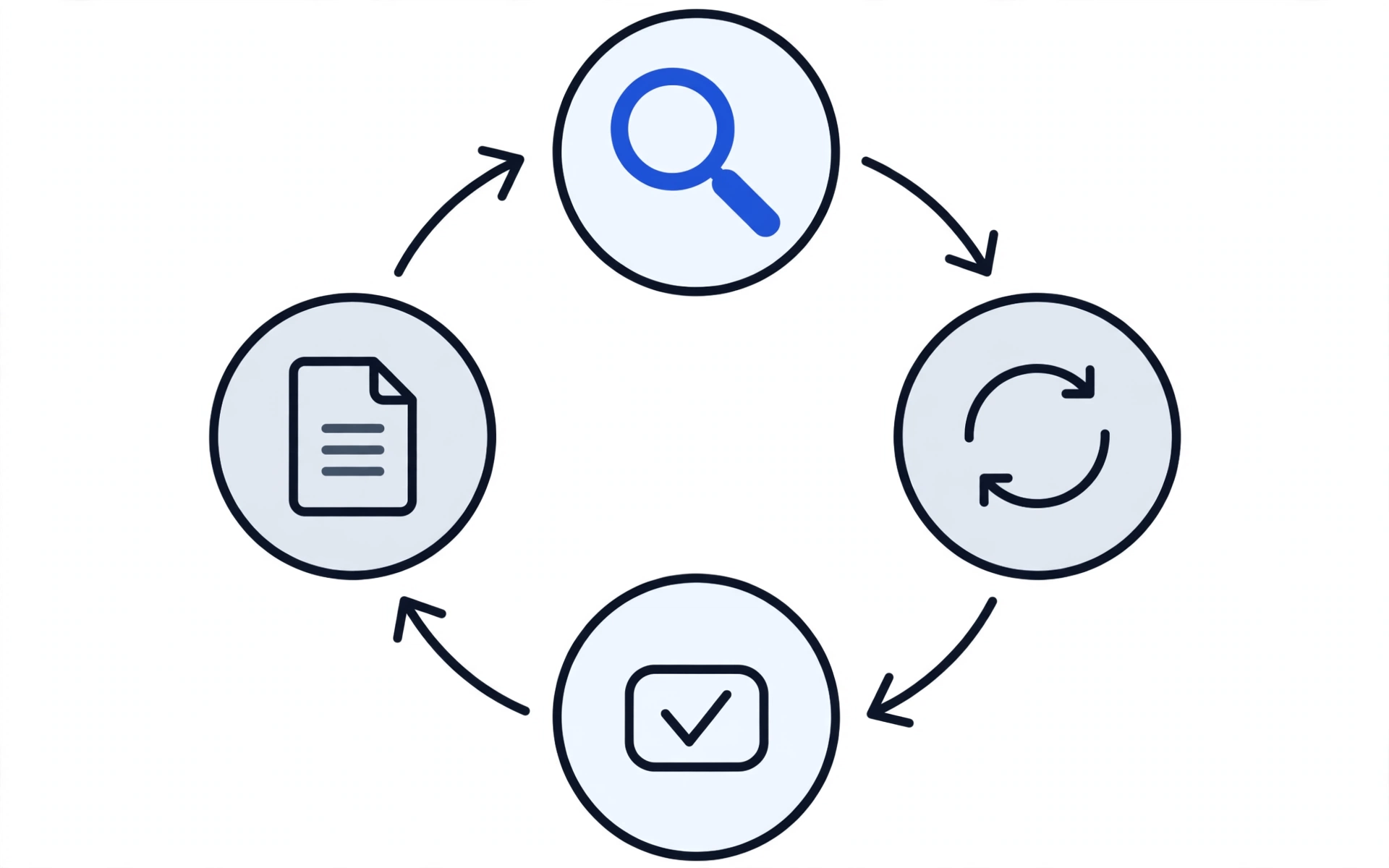
1. Monitor
Uptime and security monitoring run in the background, so a problem is spotted and logged rather than discovered by your customers.
2. Update
Core, theme, and plugin updates are applied on a schedule — to a staging copy first, never straight to the live site.
3. Test
The staging site is checked: pages load, forms submit, checkout works, nothing white-screens. Only updates that pass go live; failures are held back and reported.
4. Report — the named deliverable
The monthly report is the deliverable you can hold us to. Once a month, in plain language: which updates went out, what was tested, what was found, what was fixed, what is still outstanding, and what needs your decision. If you cannot tell from the report whether your site is safer than last month, the report has failed.
What the report shows — and how it is measured
This is a reporting format, not an outcome guarantee. The table below states what each maintained site's monthly report contains and how each figure is measured. Threshold numbers are not published here yet — they are held as labelled slots until HL Growth supplies them, so nothing on this page invents a promise.
| Report section | What you see | Measurement method | Published threshold |
|---|---|---|---|
| Uptime | Whether the site was reachable, and any downtime recorded. | Automated uptime monitoring checks against the live site, reported for the month covered. | [TODO — threshold to be supplied by HL Growth] |
| Speed | Load performance for key pages, before and after any optimisation work in the month. | Repeated speed measurement on the same key pages and same test setup, so months are comparable. | [TODO — threshold to be supplied by HL Growth] |
| Updates and tests | Each update applied, its staging test result, and any update held back with the reason. | Staging test checklist: pages load, forms submit, checkout works, no white screen. | [TODO — threshold to be supplied by HL Growth] |
| Security and backups | Scan findings, fixes applied, backup dates, and restore-test results. | Automated scans plus a scheduled restore test of an offsite backup. | [TODO — threshold to be supplied by HL Growth] |
Pull date: [TODO — to be supplied] · Report screenshot to be supplied by HL Growth.
[FORMAT MODEL — placeholder: named client + one hard metric + live link + before/after, to be supplied by HL Growth]
Questions to ask any developer — including us
Ask these before you hand anyone your site. A good answer is specific; a vague answer is the answer.
| Ask this | What a good answer sounds like | Red flag |
|---|---|---|
| Do you test updates on staging before they go live? | Yes, and here is what the staging check covers: pages, forms, checkout. | We update directly and fix anything that breaks. |
| Where are my backups, and have you ever restored one? | Offsite, away from the live server, and restore-tested on a schedule. | A backup plugin is installed, so you are covered. |
| What will I see each month, and in what language? | A monthly report in plain language: what changed, what was fixed, what needs your decision. | A ticket log, or no regular report at all. |
| What happens if an update breaks my site? | The staging test catches it first; if the live site is affected, we restore from a tested backup and explain what happened. | No stated recovery path, or blame placed on the plugin author. |
| Who owns my site, domain, hosting, and backups if I leave? | You do — accounts in your name, backups somewhere you control, and handover documentation listing where everything lives. | Anything held only in the provider's systems, with no handover plan. |
| What is not included, and what costs extra? | Exclusions stated up front, in writing, before you commit. | We take care of everything — with no list of what everything means. |
Pricing
From PKR 99,999 — demo placeholder only — not a final price, not a monthly figure. This page carries no other price figure, and no monthly figure of any kind. Your site health check is free, and any proposal that follows it carries the real, total cost in writing before you commit to anything.
Frequently asked questions
What happens if an update breaks my site?
That is what the staging test exists to prevent: an update that fails on staging never reaches your live site — it is held back, fixed, or replaced, and you are told why. If the live site is ever affected, recovery starts from a tested offsite backup, the cause is identified, and what happened is reported in plain language.
How do backups work, and can you actually restore from them?
Backups are stored off the live server, away from the machine that hosts your site, and restore-tested on a schedule. A backup on the same server that fails is not a backup — it is a copy of the problem — so the test, not just the backup itself, is part of the service.
Who owns what — my site, domain, hosting, and content?
You do. Your domain, hosting, and accounts stay in your name, your content stays yours, and backups are kept somewhere you control. Maintenance gives HL Growth access to look after the site; it does not transfer ownership of anything to us.
Can I cancel, and what happens to my site when I leave?
Yes, you can cancel and leave. On exit, nothing about the maintenance plan holds your site hostage: your domain, hosting, and accounts remain in your name, your backups remain somewhere you control, and the handover documentation lists where everything lives — your site, your backups, your logins, and your report history. Access granted for maintenance is removed as part of the handover, and any outstanding report for the period covered is still delivered.
Do I need maintenance if my site works fine right now?
Working fine today is exactly when maintenance is cheapest. Plugin conflicts, unpatched holes, and silent decay all develop while a site works fine — and by the time the site visibly breaks, the fix is a rescue rather than routine care.
My site is already broken. Is this the right page?
No — a broken site needs a rescue first. Maintenance prevents; rescue recovers. Website Rescue is the starting point, and maintenance goes in place afterwards so the same failure does not repeat.
What does the monthly report actually tell me?
Which updates went out, what was tested, what was found, what was fixed, what is still outstanding, and what needs your decision — in words a non-developer can follow. No ticket numbers, no jargon, no vague task list.
How much does WordPress maintenance cost?
This page shows one demo placeholder only: From PKR 99,999, not a final price and not a monthly figure. The site health check is free, and any proposal that follows it carries the real, total cost in writing before you commit.
Find out what maintained would mean for your site.
The site health check is free. It looks at your update history, your backup position, and your known risks — and tells you, in writing, what maintenance would actually cover for your site.
What we need to start the check:
- Your site URL
- Your platform and version, if known — for example, WordPress, and the version number if you know it
- Your current situation — site works and you want prevention, site broke after an update, or site was rescued and you want it never to happen again
- Your name and a contact for the reply — email or WhatsApp number
What happens after you hit send:
- Your site URL and platform details are received and reviewed.
- Your update history, backup position, and known risks are checked.
- You receive written findings: what maintained would cover for your site, and what it would not.
- You decide whether to proceed. No commitment is made by asking for the check.